
OAuth Applications
BioLM supports secure integration with external tools via OAuth 2.0.
OAuth allows you to safely connect BioLM to apps like ChatGPT, so you can run predictions, folding, and sequence analyses directly inside other platforms — without sharing your credentials.
🧬 Example: Connecting BioLM to ChatGPT
You can connect your BioLM account to the official BioLM ChatGPT GPT to access BioLM models directly in ChatGPT.
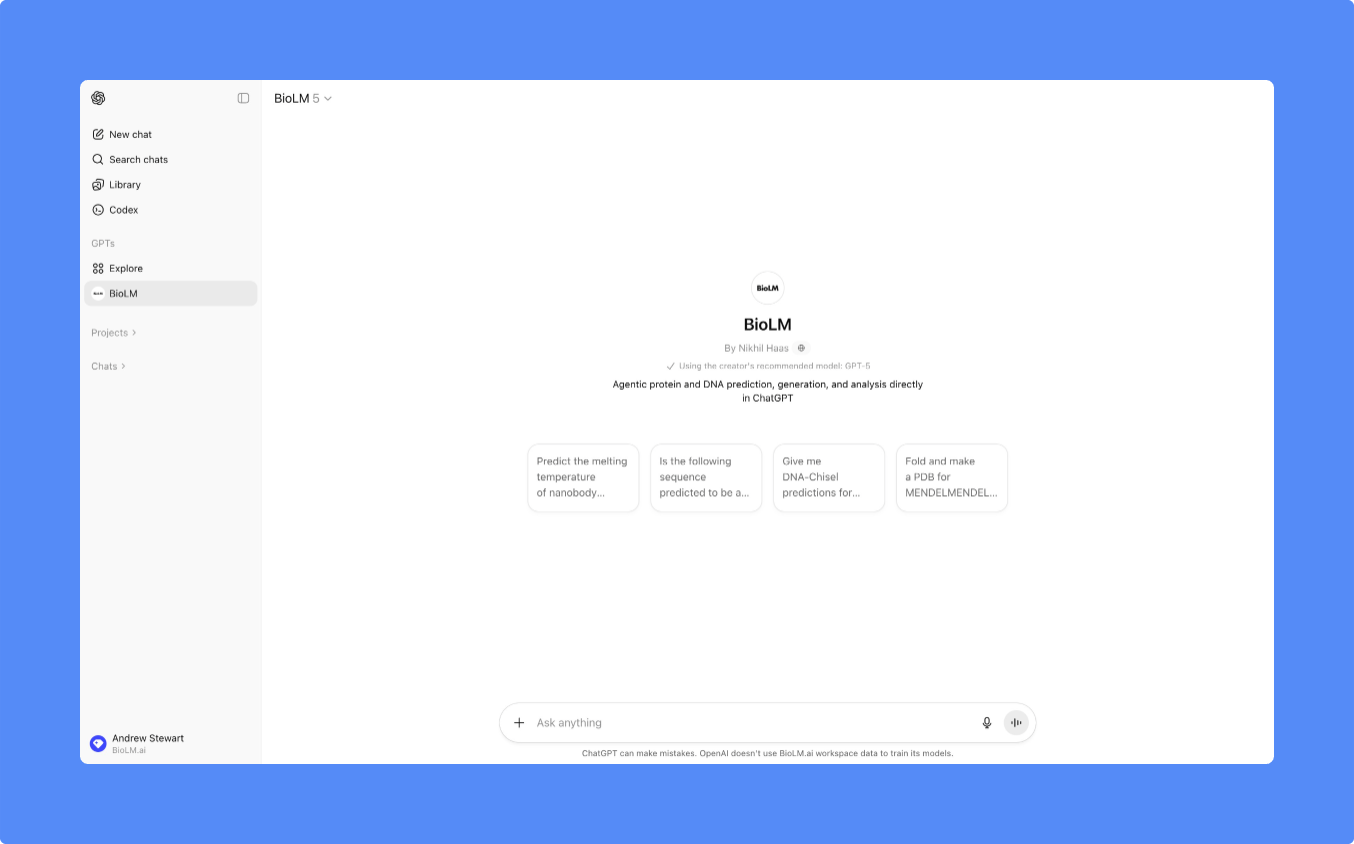
Steps to Connect
- Open the BioLM GPT in ChatGPT.
-
When prompted, click Authorize BioLM.
You’ll be redirected to a BioLM authorization screen showing:
- Read scope – allows ChatGPT to fetch prediction results.
- Write scope – allows ChatGPT to submit sequence or structure requests.
- Click Authorize to complete the connection.
- You’ll return to ChatGPT with the connection active.
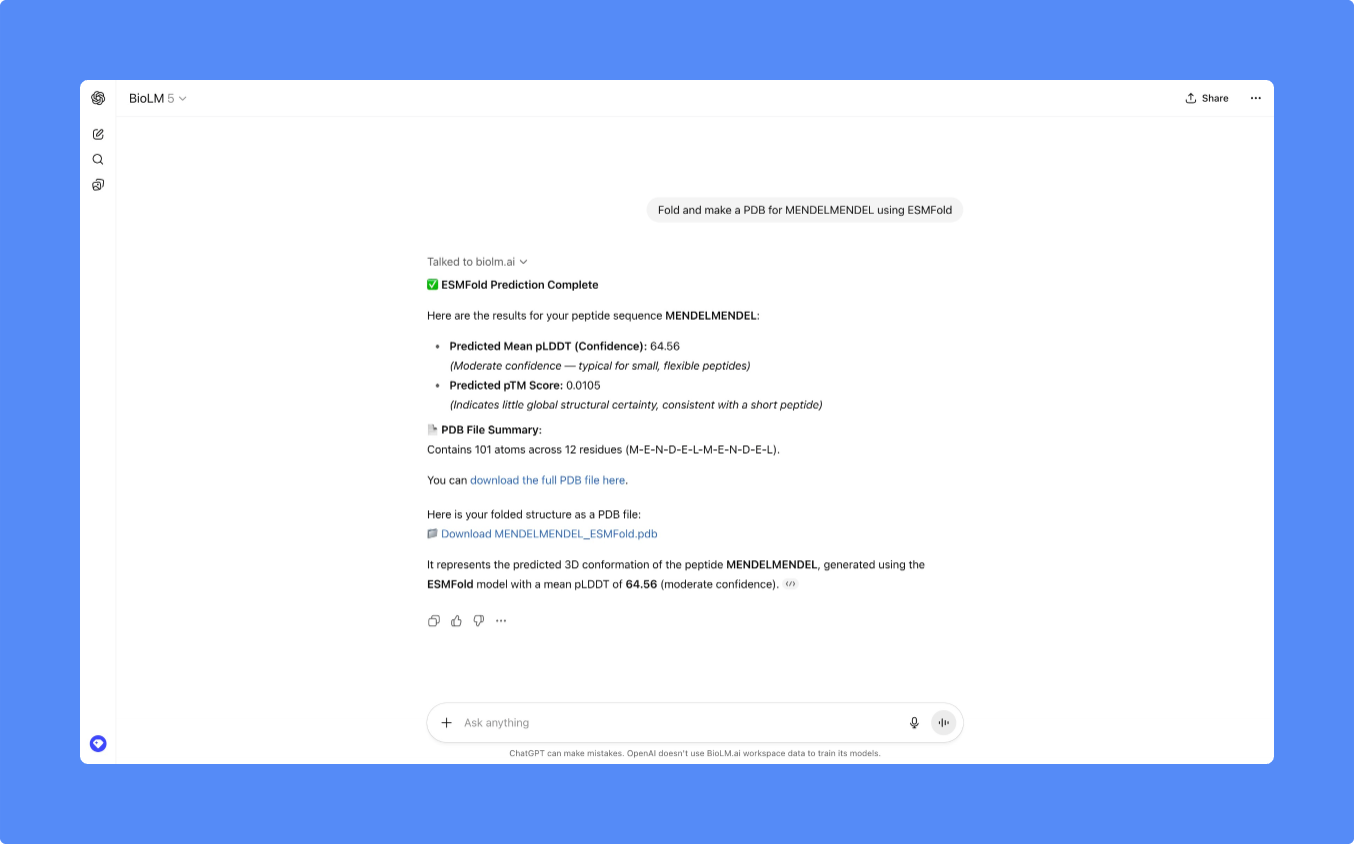
Once linked, BioLM endpoints become available from within ChatGPT — for example:
- 🧊 ESMFold for structure prediction
- 🔥 TEMPRO-650M for melting temperature estimation
- 🧬 DNA-Chisel for sequence optimization
Typical in-chat confirmation looks like:
⚙️ Managing OAuth Connections
You can review or revoke OAuth apps from your BioLM dashboard:
- Navigate to Account Settings → OAuth Applications.
- You’ll see a list of authorized clients (for example, ChatGPT or TestBioLM).
- Select Revoke Access to disconnect an app.
🔒 Security & Permissions
BioLM implements industry-standard OAuth 2.0 with limited-scope tokens.
- No passwords or permanent tokens are shared.
- Permissions are restricted to the scopes you approve.
- Revoking access immediately invalidates any active tokens.
💡 Troubleshooting
If something doesn’t work as expected:
- Make sure you’re logged into the correct BioLM account before authorizing.
- If ChatGPT reports that authorization has expired, revoke and reconnect.
- Contact support@biolm.ai if an OAuth app doesn’t appear under your account.